


Every day, your future customers tell LinkedIn they’re trying to solve a problem. They just don’t tell you.
Someone in your market clicks “attend” on an event about the exact problem you solve.
Someone else comments on a post about it.
A third adds a “hiring” badge that says they’ve got a gap and a budget.
Each one is a person looking for a solution to their problem, in public, where you could see it. Most people walk straight past.
In case you’ve walked past them you’ve sent the messages. Built the list, right titles, the people you’d actually want as customers.
But almost nothing comes back. So you assume the copy’s wrong and rewrite it.
The problem was never your message, but reaching the right people at a random moment.
So even a perfect message goes nowhere, because the person reading it isn’t thinking about the problem you solve.
Why timing beats volume
Many chase the loud signals. A company raises money, a company posts a job, and everyone piles in at once.
The quiet ones are better, and barely anyone watches them. They’re the small things people do on LinkedIn every day without thinking twice.
Less obvious, less crowded, and just as much a sign that someone’s in the market.
Too many names, too little time
Collecting these signals is easy. The list just comes back huge and mostly useless.
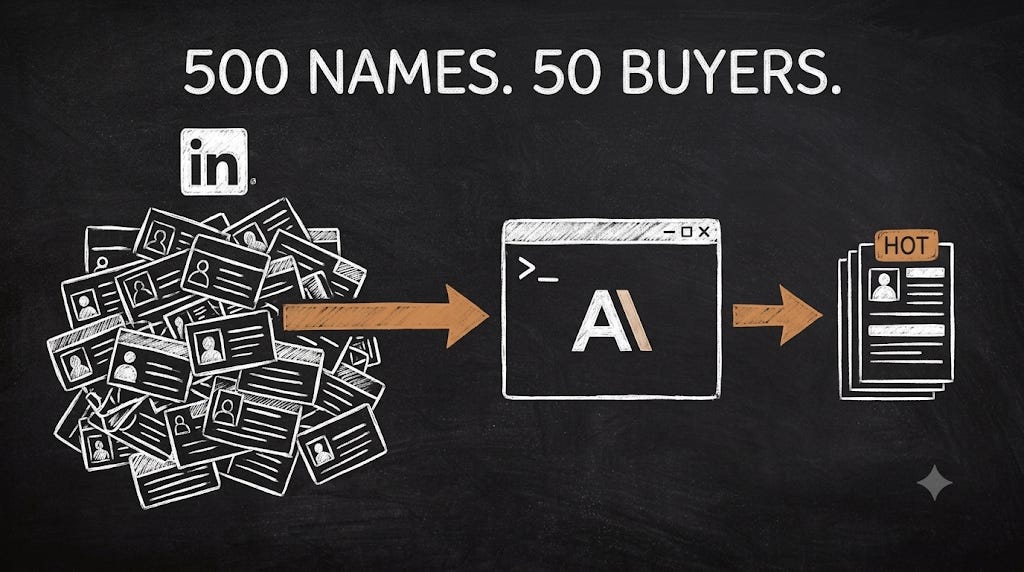
Pull 500 event attendees and maybe 40 are real buyers. Grab everyone who commented on a post and most are fans and job seekers.
Then you’d have to read all 500 by hand. That’s hours nobody sustains, which is why these signals stay theoretical for almost everyone.
That’s the part Claude takes off your hands.
Two steps: grab the list, then qualify
Two jobs, two helpers.
1. Grab the names. A LinkedIn automation tool collects everyone who showed a signal, in bulk. You can use HeyReach for this. It’s quick at gathering, which is all you need it for. Check my previous walkthrough of how to do this exactly.
You don’t have to pay for one, though. Claude in Chrome reads the same lists straight off the page, pulling the names into a clean list for you.
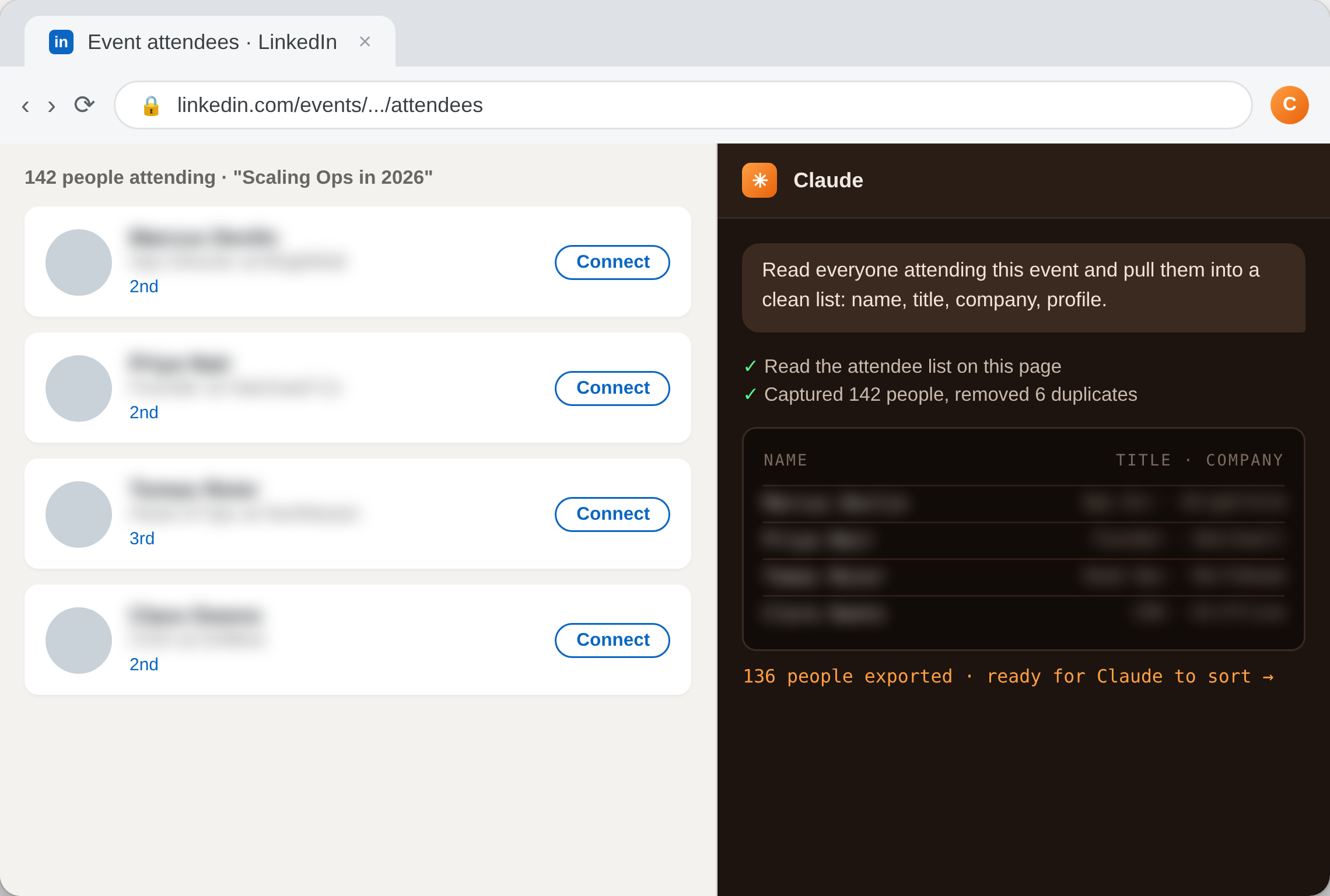
2. Sort and rank. Claude reads that messy list, drops everyone who isn’t really your buyer, and ranks the rest by how interested they look, telling you why each made the cut.
Where to start
Four signals, and they’re not equal. Work them in this order: