


I almost said no to this one.
Last summer, the founder of a marketing agency reached out wanting to revamp their GTM with cold email. Their buyers: Shopify brands.
Two things made me hesitate:
I don’t usually work with ecommerce at this scale.
Shopify brands get pitched constantly. Every agency sends them the same “free email audit”. Their inboxes are some of the most spammed in B2B
But they really wanted to do this. So I said yes, without high expectations.
But I’d use everything I’ve learned from over 10 years of outbound to give it a fair shot.
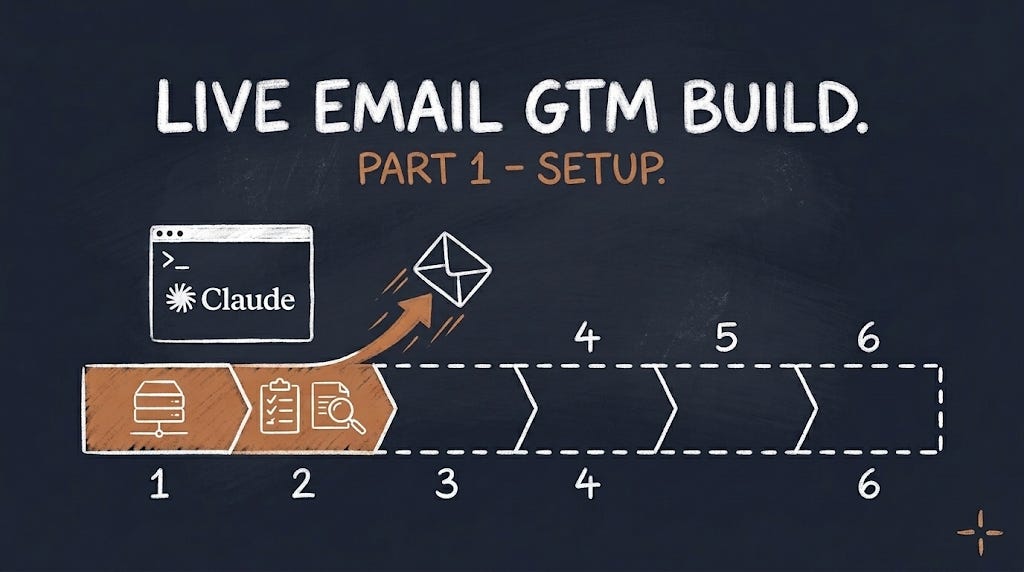
This is part 1 of a live build.
I’ll split the project into phases and publish a new part at each one, with the numbers, good or bad.
Here’s one number to start with: the first meeting came 15 days after the first email went out.
That story comes in part 5. First, the foundation everything else runs on.
🗺️ The build in 7 phases
Phase 1: EMAIL INFRASTRUCTURE
Phase 2: THE MARKET AND THE LIST
Phase 3: THE SIGNAL
Phase 4: THE COPY AND THE PAGES
Phase 5: LAUNCH AND FIRST SIGNALS
Phase 6: RUN AND FIX
Phase 7: RESULTS AND THE VERDICT
This part covers phase 1. Follow along, and you can build your own system the same way.
🏢 The client
A remote ecommerce marketing agency.
Around 60 people, seven figures in revenue, selling retention services to Shopify brands.
By 2025, every new client came from inbound or referrals. Cold email was switched off, and for good reason:
Two years of sending it themselves: about 390,000 people emailed, and the cost per attended call climbed from $324 to $905
A pay-per-meeting agency: 26 meetings, 0 clients
When the founder and I first spoke, he was clear:
“I don’t want an agency.”
“I just want to avoid very expensive tests.”
🧰 The stack for this phase
Planning: a Claude project, with a separate chat for infrastructure
Domains and mailboxes: Primeforge
Inboxes: Google Workspace and Microsoft 365
Sending: Smartlead
Claude Code: connected to Primeforge and Smartlead, to check the whole setup.
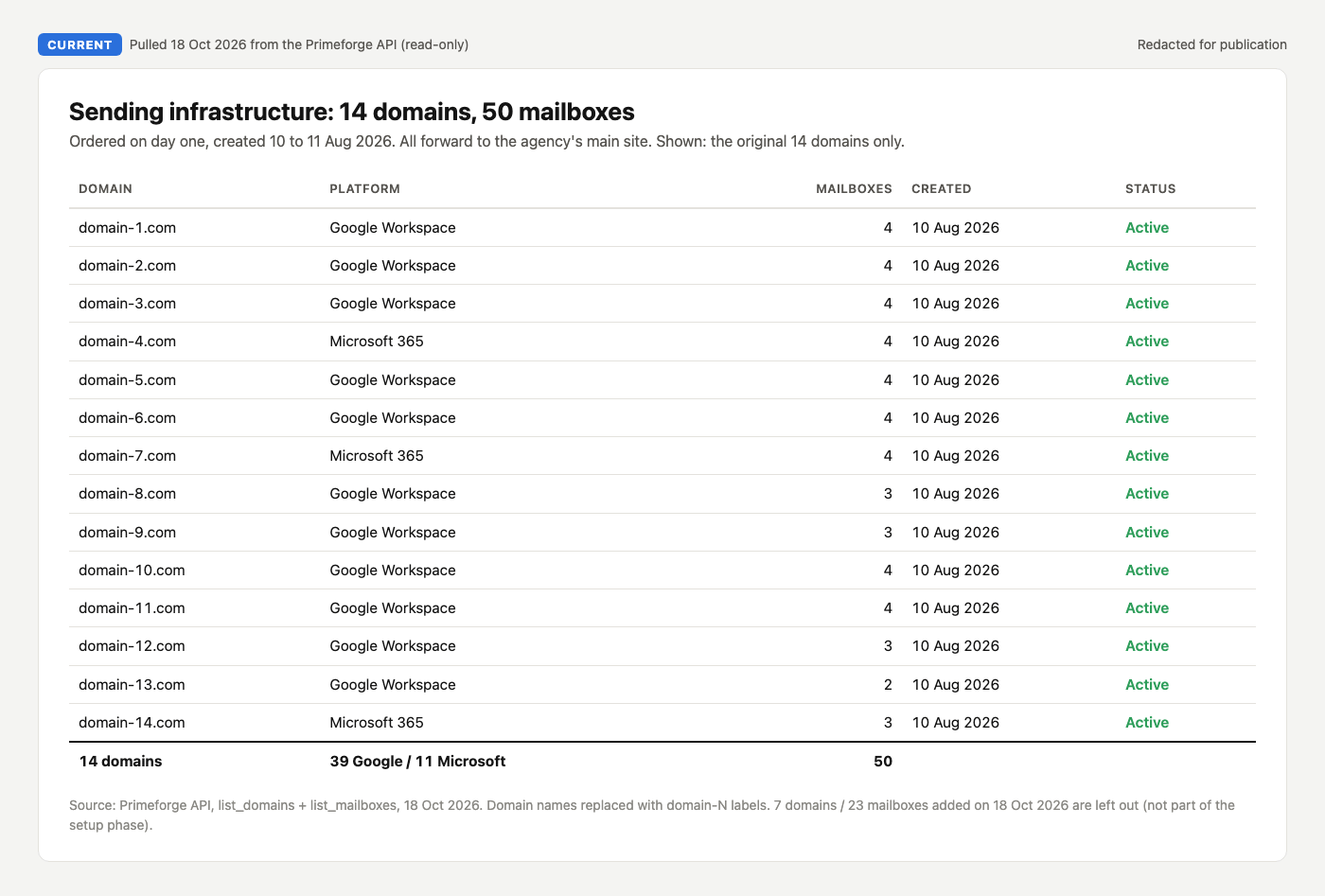
📍 Phase 1: Email infrastructure
Seven steps, from “how much will we send?” to the first email out:
Set the volume first
Plan the setup with Claude
Buy domains and mailboxes on day one, with Primeforge
Set up DNS on every domain
Warm up, and start slow
Set up your sending platform, in Smartlead
Load your suppression list before anything sends
Below: every step in full, with what we did, what I’d do differently, and the prompts.
Inside:
The 2 questions that decide how big your setup needs to be
The infrastructure prompt that planned our domains, DNS and warmup
Why we mixed Google and Microsoft inboxes
The exact Smartlead settings we launched with
The suppression mistake that hides old leads without any error